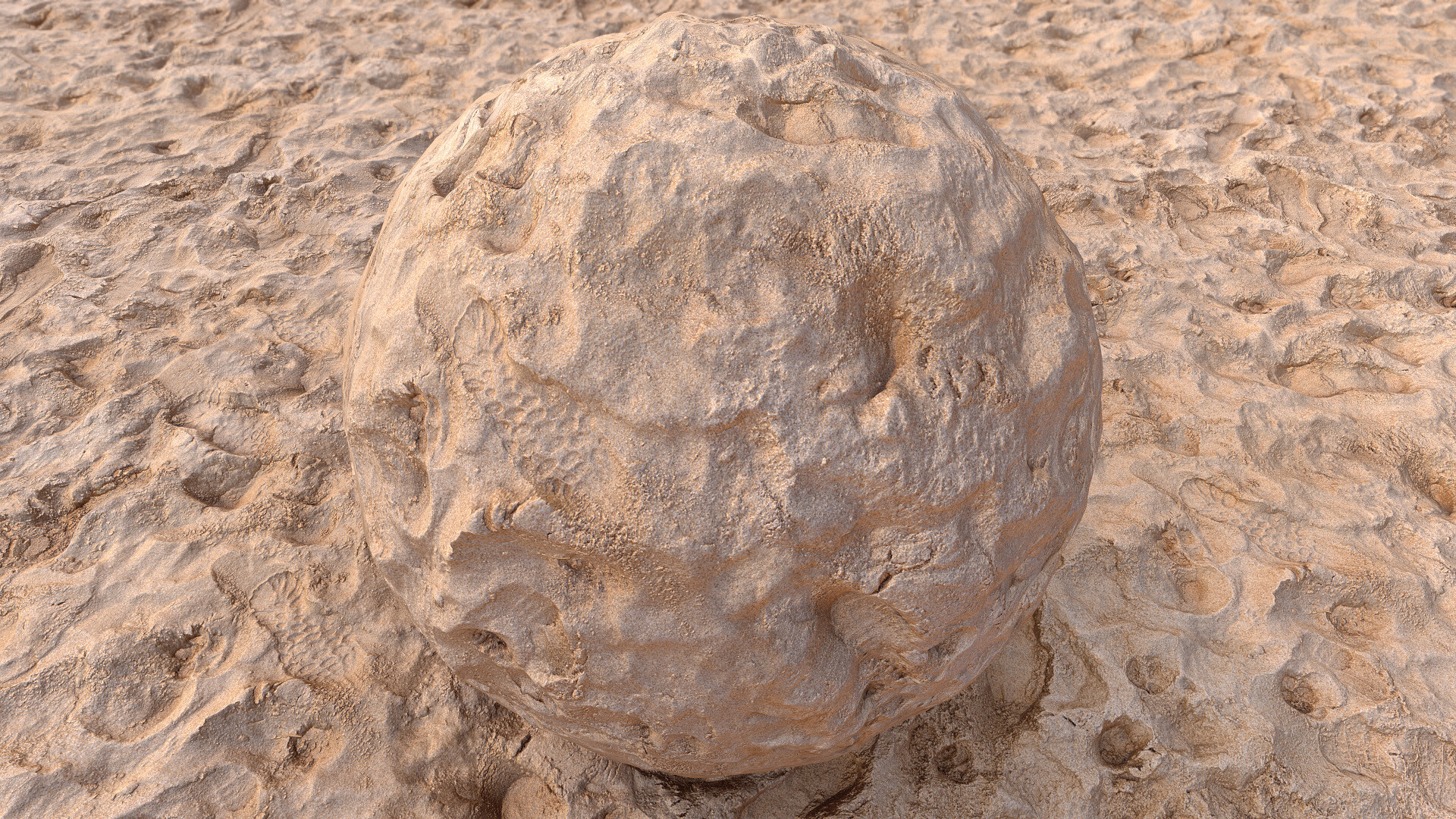
Sand - Photogrammetry based Environment Texture
Another sand surface I turned into PBR material.
This capture was quite special because a cute seal came out of the sea to take a closer look to what I do :).. I wasn't sure if she might bite so just in case I stayed a few meters away from her ;). She moved back to the sea when I finish shooting sand and moved to capture rocks behind her.. however she stayed close behind in water for the rest of the capture :D
When the sand capture was almost over I was surrounded by 3 big dogs :) messing with the sand around me ;). Fortunately most of this surface was already captured.
To create this material I followed all my usual steps.. except one.. this time I blurred the height a bit in substance to avoid height map based tearing/stretching. This capture was definitely the funny one.


This is my photogrammetry workflow - still experimenting with 'Artomatix' and replaced Photoscan with Metashape (more details regarding to my workflow at: https://www.artstation.com/artwork/K0PYG)

My new friend :) who came out from the sea to see what I do :)

A few more new animal friends interested with this capture :) .. fortunately I captured enough for reconstruction until this moment :D

The source location - To avoid direct sun light I decided to pick area hidden in this rock's shadow.

The source - real surface details with my shoe and ruler as scale reference

The reference image with the Color Checker included - used to calibrate color and tweak white balance in PhotoLab2. Adding this shot here as might be useful also for those who build materials in substance to pick color values if needed :)

Metashape - surface reconstruction based on 177 images

ZBrush - builiding lowpoly model for baking. Captured ruler is very useful as scale reference and helps to define lowpoly-model size. In this case I wanted to cover 180cm x 180cm of real space.

Substance Designer - baking PBR textures (height map in preview)

Artomatix - graph I used to remove seams and fix all glitches. In 2D view Ignore-mask preview as info for AI based reconstruction and seam removal

Substance Designer - final tweaks I processed to get better results. I tweaked albedo, roughness and height maps

Substance Designer - tweaking height map. Because some foot prints caused vertical gaps and in result was stretching edges with height map applied, I decided to calm it down a bit using HQ Blur node. Here is a preview
