Rock - Photogrammetry based Environment Texture
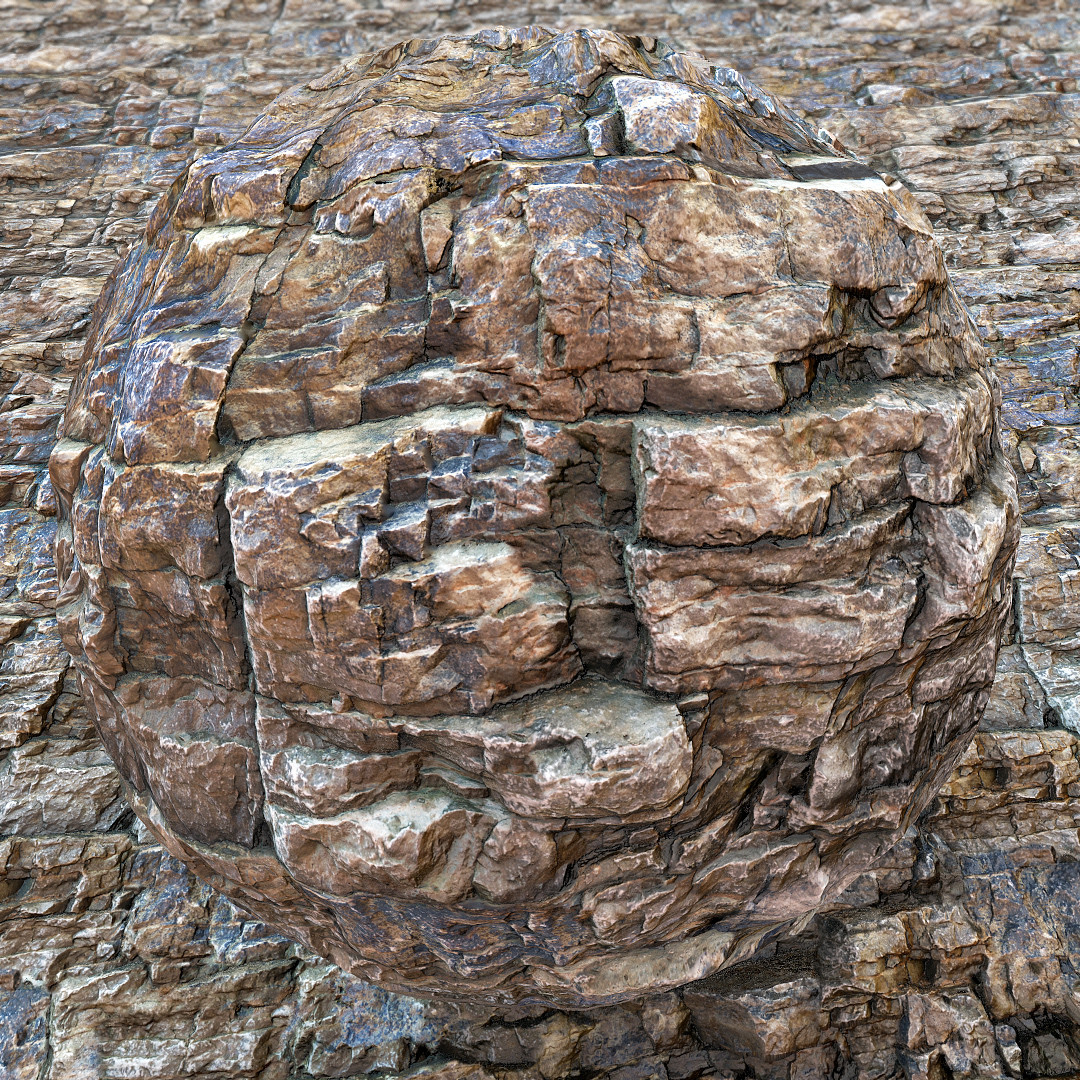
The surface of rock I turned into PBR environment texture using photogrammetry. That one was really hard to capture due to hard access, dog disruptions and the Sun angle. It was also hard to tile.
TO capture it I took 40 images with the focal length set to 35mm. Since the space for the camera movement was limited and I wasnt able to capture it from different angles I didnt cover enough information and in result I had to spend a lot of time in Painter trying to fix areas with missing surface data. Hopefully I managed to do that and I am quite happy with the result.


This is my photogrammetry workflow (more details at: https://www.artstation.com/artwork/K0PYG)

Source - I used tripod to stabilise the camera. Since it was a sunny day I picked the one hidden in shadow.

Source - captured area preview

Source - surface details with my shoe as scale reference.

Looks like I have found a new friend ;), that one was really interested in photogrammetry

Reference image with Color Checker I used to calibrate albedo.

Camera positions and reconstruction in Photoscan based on 40 images

Lowpoly over highpoly surface coverage in Zbrush. Since the real rock surface was slightly sloped, to make tiling easier I angled the lowpoly plane to get similar depth difference at the bottom as at the top.

Substance Painter - Manual seam removal with the 'Clone Tool' before and after.

Substance Designer graph I used to process final textures
..and 1k material preview